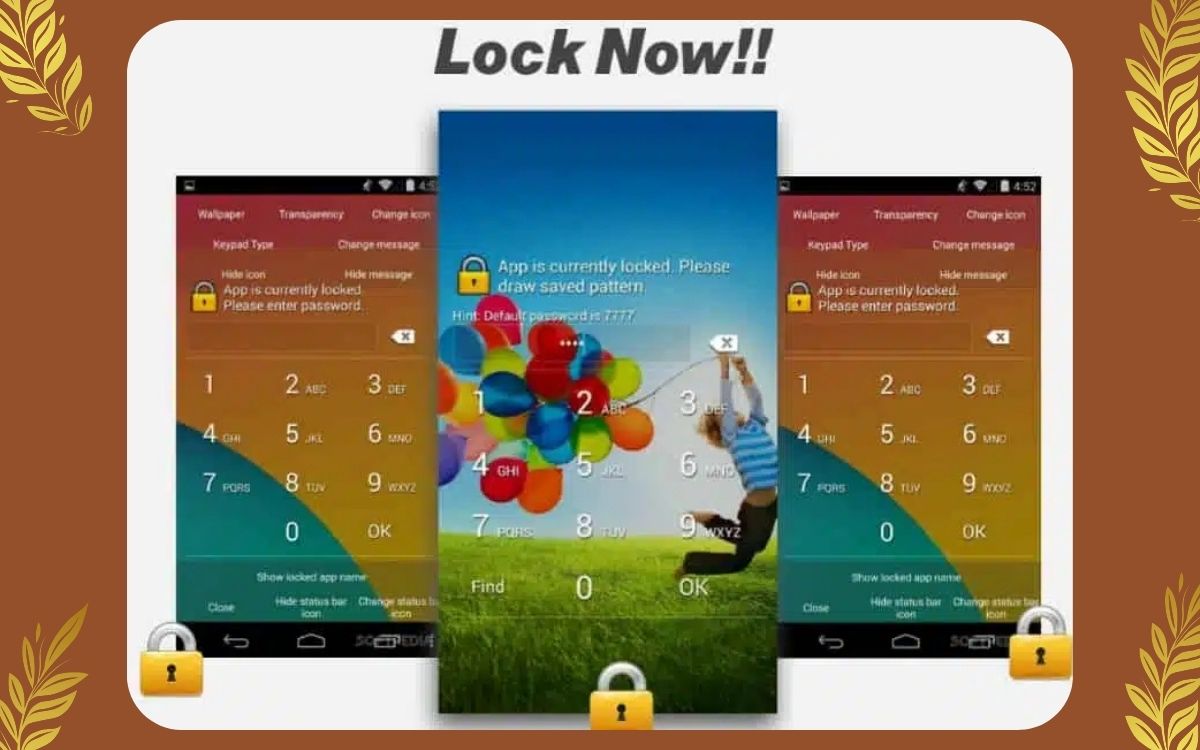
Our smartphones store almost everything about us — photos, personal messages, banking apps, emails, and private documents. If your phone is ever lost or stolen, your biggest worry isn’t the device itself — it’s your personal data.
That’s why using the right screen lock security is no longer optional. Pattern, Face, and PIN locks are your first line of defense against theft and misuse.
In this guide, I’ll explain how these locks work, which one is safer, and how to use them together to protect your phone privacy properly.
Why Phone Lock Security Is So Important
When a phone is stolen, thieves usually try to:
- Access personal photos
- Open WhatsApp or social media
- Reset the phone for resale
- Steal saved passwords or OTPs
A strong lock:
- Buys you time
- Blocks instant access
- Protects sensitive data
- Helps with recovery using tracking tools
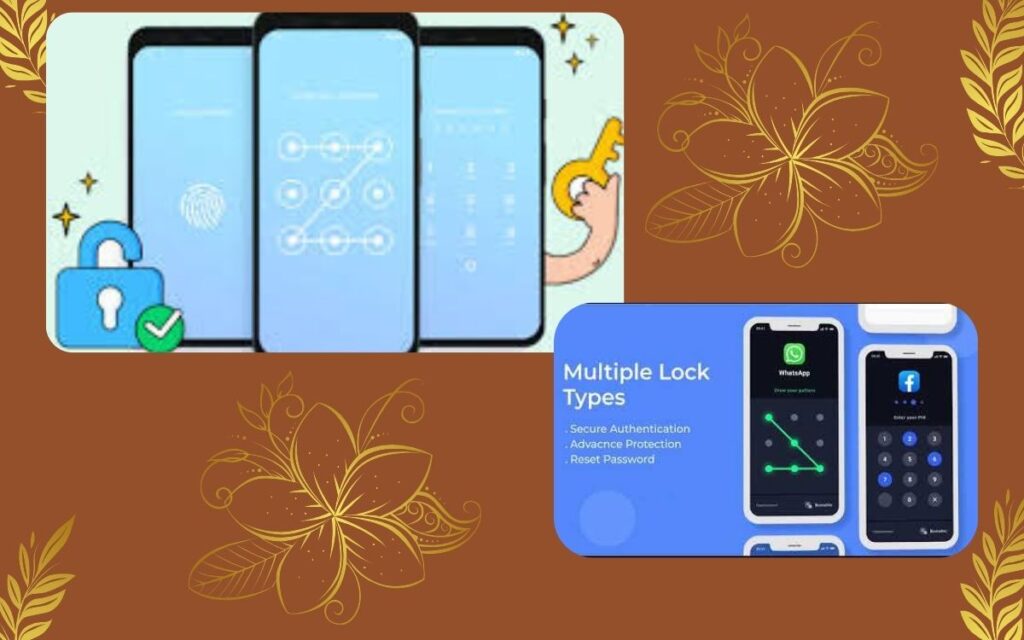
Google and Apple both strongly recommend enabling multiple lock methods.
Types of Phone Locks Explained Simply
1. Pattern Lock – Easy but Needs Care
Pattern lock lets you unlock your phone by drawing a pattern on a grid.
Pros:
- Fast and easy
- Convenient for daily use
- No need to remember numbers
Cons:
- Smudge marks can reveal the pattern
- Simple patterns are easy to guess
Best practice:
- Use at least 6–7 connection points
- Avoid simple shapes (L, Z, straight lines)
2. PIN Lock – Strong and Reliable
A PIN lock requires entering a numeric code.
Pros:
- More secure than pattern
- Harder to guess randomly
- Works on all phones
Cons:
- Takes slightly longer
- Weak PINs reduce security
Best practice:
- Use 6-digit or longer PIN
- Avoid birth dates or repeated numbers
- Change PIN occasionally
3. Face Lock – Fast but Not Enough Alone
Face unlock uses your face to unlock the phone.
Pros:
- Very fast
- Convenient
- Hands-free unlocking
Cons:
- Can fail in low light
- Less secure on older phones
- Requires backup lock
Face lock is best used along with PIN or pattern, not alone.
Which Lock Is the Safest?
The safest setup is combination security
✔ Face Lock → for daily convenience
✔ PIN Lock → for strong backup protection
✔ Pattern Lock → optional extra layer (some phones allow app locks)
Using more than one method:
- Blocks quick access
- Slows down thieves
- Increases chance of recovery
How to Set Up Locks Properly on Your Phone
For Android:
- Open Settings
- Go to Security / Lock Screen
- Choose PIN, Pattern, or Face
- Enable auto-lock immediately
- Turn off lock-screen notification previews
For iPhone:
- Go to Settings
- Open Face ID & Passcode
- Set a strong passcode
- Enable Face ID
- Disable sensitive lock-screen access
Extra Steps to Protect Privacy After Theft
Screen locks are step one — but not enough alone.
Enable Find My Device
- Track phone location
- Lock device remotely
- Erase data if needed
Lock Sensitive Apps
- Banking apps
- Gallery
- Cloud storage
Hide Lock Screen Content
- Disable message previews
- Hide OTPs and notifications
Common Mistakes People Make (Avoid These)
❌ Using 4-digit PIN
❌ Simple pattern shapes
❌ Face lock without PIN backup
❌ Showing notifications on lock screen
❌ Never changing lock settings
These mistakes make phones easy targets.
FAQs – Real User Questions
Q1. Is pattern lock safe enough?
Only if complex. Simple patterns are risky.
Q2. Is Face Lock secure?
Modern phones are safer, but always use a PIN backup.
Q3. Which is better: PIN or Pattern?
PIN is generally more secure.
Q4. Can thief bypass phone lock?
Strong locks make it very difficult and buy you time.
Final Thoughts
Protecting your phone privacy from theft starts with strong lock settings. Pattern, Face, and PIN locks are not competitors — they work best together.
Your phone is not just a device anymore — it’s your digital identity.
Spend 2 minutes setting strong locks now, and you can save yourself from serious trouble later.