
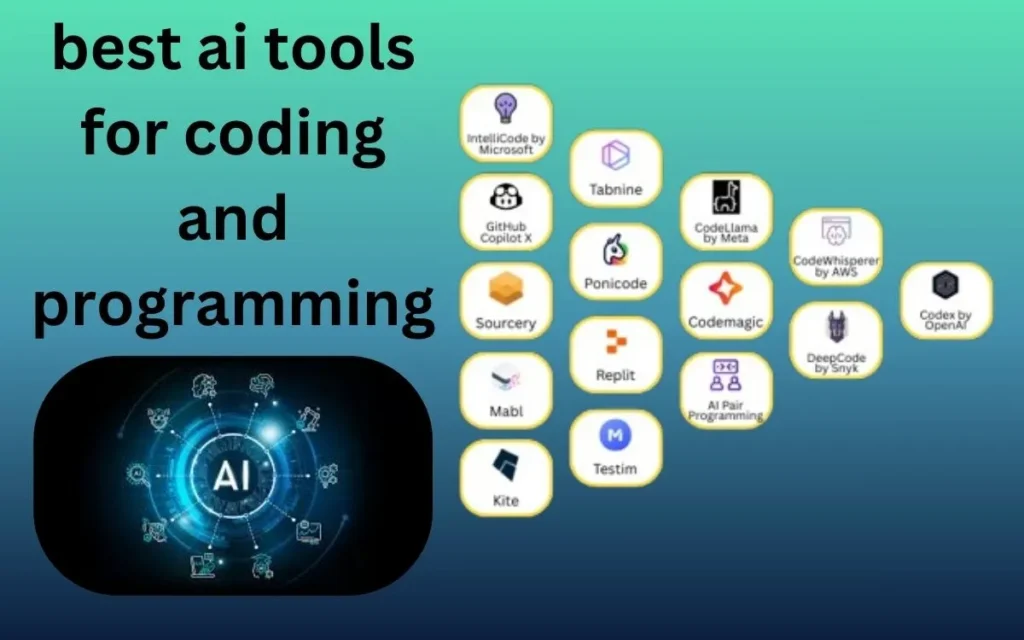
If you search for “best AI tools for coding,” you’ll find dozens of lists claiming everything is the best.
But if you’re a real developer — or even a beginner — you’re probably asking a simpler question:
“Which AI tools genuinely help me code faster, make fewer mistakes, and learn better?”
This article answers that — without hype, without exaggeration, and without recommending tools just for affiliate links.
I’ll explain:
- What these AI tools actually do
- Who they are best for
- When you should not use them
So you can decide what fits your workflow.
What Are AI Coding Tools (in simple terms)?
AI coding tools use machine learning models trained on large amounts of code to:
- Suggest code while you type
- Explain unfamiliar code
- Detect bugs and logic errors
- Speed up repetitive programming tasks
They don’t replace developers — they reduce friction.
Think of them as:
“A very fast assistant who’s seen a lot of code, but still needs your judgment.”
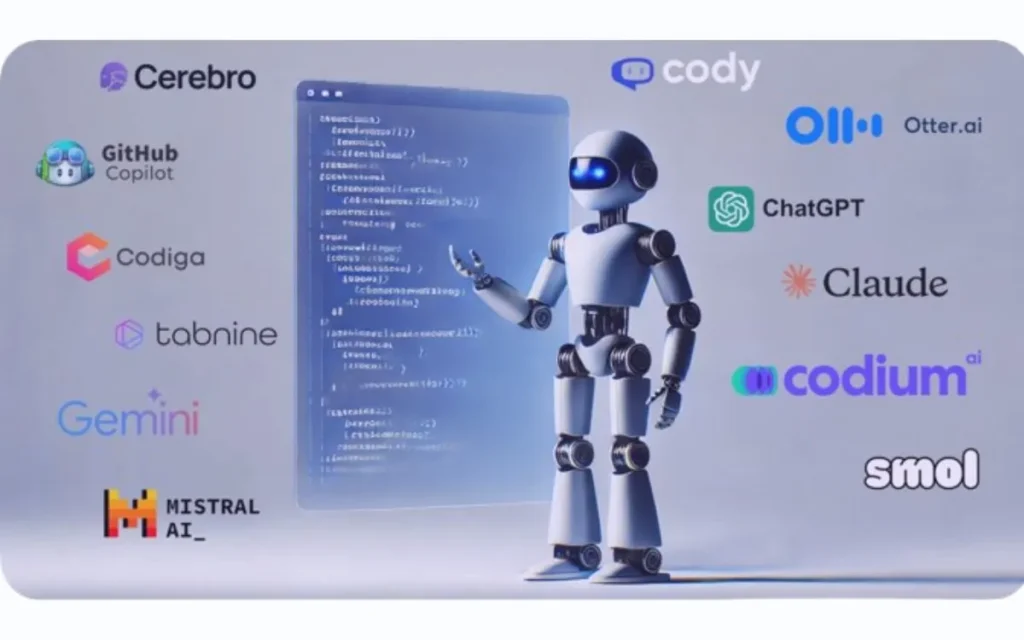
Best AI Tools for Coding and Programming (2025)
1. GitHub Copilot – Best Overall AI Coding Assistant
GitHub Copilot is one of the most widely used AI tools among professional developers.
What it does well
- Suggests entire lines or blocks of code
- Understands context from your file
- Supports most popular languages (JavaScript, Python, Java, Go, etc.)
Best for
- Professional developers
- Daily coding tasks
- Backend and frontend projects
Limitations
- Suggestions aren’t always optimal
- You still need to review everything
👉 Copilot works best when you already understand the language and want speed.
2. Cursor AI – Best AI Code Editor for Productivity
Cursor is an AI-powered code editor built specifically around AI interaction.
What makes it different
- You can ask questions directly inside the editor
- It can refactor or explain selected code
- Feels more interactive than traditional IDEs
Best for
- Developers who want AI deeply integrated
- Refactoring and understanding large codebases
Limitations
- Still evolving
- Requires adjustment if you’re used to VS Code only
3. ChatGPT – Best for Learning, Debugging, and Explanations
ChatGPT is not an IDE, but it’s one of the most useful AI tools for programmers.
What it’s great at
- Explaining error messages
- Teaching new concepts
- Writing sample functions or logic
Best for
- Beginners learning to code
- Debugging logic problems
- Understanding unfamiliar code
Limitations
- Doesn’t see your full project context
- Can sometimes produce outdated patterns
👉 Many developers use ChatGPT alongside their editor, not instead of it.
4. Tabnine – Best for Privacy-Focused Teams
Tabnine is an AI code completion tool that emphasizes privacy and control.
Key strengths
- Works offline or on private servers
- Good autocomplete suggestions
- Supports team environments
Best for
- Enterprise teams
- Privacy-sensitive projects
- Companies that can’t send code to public servers
Limitations
- Suggestions are simpler than Copilot
- Less conversational
5. Amazon CodeWhisperer – Best for AWS Developers
If you work heavily with AWS services, CodeWhisperer fits naturally into that ecosystem.
What it does well
- Generates secure, AWS-optimized code
- Scans for security vulnerabilities
- Integrates with AWS tools
Best for
- Cloud developers
- AWS-focused projects
Limitations
- Less useful outside AWS workflows
- Not as flexible for general-purpose coding
6. Replit Ghostwriter – Best for Beginners & Online Coding
Replit Ghostwriter works inside the Replit online IDE.
Why beginners like it
- Runs directly in the browser
- Explains code as you write
- Good for quick experiments
Best for
- Students
- Beginners
- Small projects and learning
Limitations
- Not ideal for large-scale production apps
- Browser-based workflow may feel limiting
7. LangChain – Best for Building AI-Powered Applications
LangChain isn’t a typical coding assistant. It’s a developer framework for building AI applications.
What it’s used for
- Connecting LLMs to tools and APIs
- Creating AI agents
- Building chatbots and automation workflows
Best for
- Advanced developers
- AI product builders
- LLM-based applications
Limitations
- Steeper learning curve
- Not meant for basic coding help
How to Choose the Right AI Tool for You
Instead of asking “Which tool is best?”, ask:
Ask yourself:
- Am I a beginner or experienced developer?
- Do I want speed, learning, or automation?
- Do I work solo or in a team?
- Is privacy important?
Simbest ai tools for coding and programmingple recommendation:
- Beginner: ChatGPT + Replit Ghostwriter
- Professional developer: GitHub Copilot or Cursor
- Enterprise/team: Tabnine
- AWS developer: CodeWhisperer
- AI builders: LangChain
Common Mistakes Developers Make with AI Tools
Using AI tools incorrectly can actually slow you down.
Avoid these mistakes:
- Blindly copying code without understanding it
- Trusting AI-generated logic for critical systems
- Using AI instead of learning fundamentals
AI is a multiplier, not a shortcut.
Are AI Coding Tools Safe to Use?
Generally, yes — but with caution.
Best practices
- Review all AI-generated code
- Avoid pasting sensitive keys or credentials
- Follow your company’s security policies
Most problems happen when developers treat AI as “always correct.”
Final Thoughts
The best AI tools for coding and programming don’t replace thinking — they remove friction.
If a tool:
- Helps you understand code faster
- Reduces repetitive typing
- Makes debugging easier
Then it’s doing its job.
Start with one tool, learn how it behaves, and integrate it slowly into your workflow. That’s how developers actually benefit from AI — and that’s what sustainable, real-world coding looks like.