
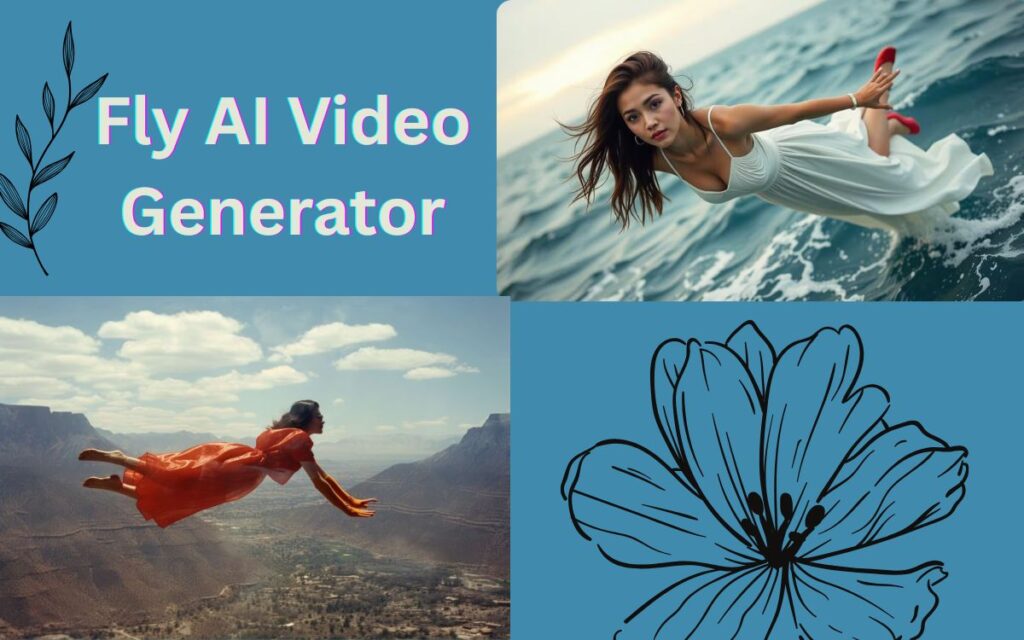
Creating videos used to be time-consuming and expensive. You needed editing skills, good hardware, and sometimes even a team. Today, AI tools like Fly AI Video Generator promise to simplify the entire process — letting anyone turn ideas, text, or images into videos in minutes.
But what does Fly AI Video Generator actually do? Is it useful for beginners? And is it safe and worth your time?
In this article, I’ll explain how Fly AI Video Generator works, what it’s good for, and who should (and shouldn’t) use it — without hype or fake claims.
What Is Fly AI Video Generator?
Fly AI Video Generator is an AI-powered tool designed to help users create short videos automatically using artificial intelligence.
Depending on the platform or version you use, it typically allows you to:
- Convert text into video
- Generate videos using AI visuals
- Create short clips for social media
- Use templates, transitions, and music automatically
The main idea is simple:
You provide an idea — Fly AI handles the visuals and structure.

Who Is Fly AI Video Generator For?
Fly AI Video Generator is mainly useful for:
- Beginners with no video-editing skills
- Content creators making short videos
- Bloggers who want simple video content
- Social media users (Reels, Shorts, Stories)
- Small businesses with limited budget
If you’re looking for Hollywood-level editing, this is not the right tool — and that’s okay.
Key Features of Fly AI Video Generator
1. Text-to-Video Generation
You can:
- Write a short script or prompt
- Let AI create scenes automatically
- Add transitions and animations
This is helpful for:
- Explainer videos
- Quotes or tips videos
- Educational shorts
2. Ready-Made Video Templates
Fly AI often provides:
- Pre-designed layouts
- Automatic scene timing
- Consistent styles
Templates save time and reduce confusion for new users.
3. AI Visuals & Animations
Instead of manual editing:
- AI selects visuals
- Adds motion effects
- Matches scenes with text
Results are simple but clean.
4. Background Music & Effects
Many versions include:
- Royalty-free background music
- Automatic audio matching
- Basic sound effects
Always double-check licensing if using videos commercially.
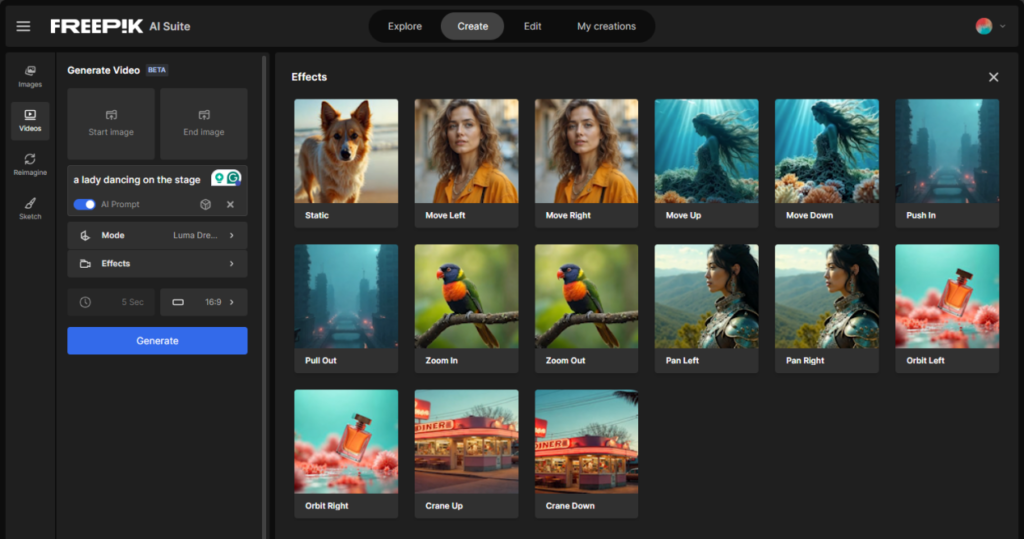
How to Use Fly AI Video Generator (Basic Steps)
Most users follow a simple process:
Step 1: Enter Your Idea or Text
Write what your video is about.
Step 2: Choose Video Style or Template
Select aspect ratio (vertical, square, horizontal).
Step 3: Let AI Generate the Video
The tool creates scenes automatically.
Step 4: Edit & Export
Make small changes and download the video.
No technical knowledge required.
Video Quality: What to Expect (Realistic View)
Let’s be honest.
What Fly AI Does Well:
- Fast video creation
- Simple visuals
- Good for short content
- Easy for beginners
Where It’s Limited:
- Limited customization
- Generic animations
- Not ideal for long videos
- AI visuals may look repetitive
Understanding this avoids disappointment.
Is Fly AI Video Generator Free?
Most AI video tools follow a freemium model.
Typically:
- Free version → limited exports, watermark
- Paid plans → HD quality, more templates, no watermark
Always check:
- Export limits
- Commercial usage rights
- Watermark policy
Is Fly AI Video Generator Safe to Use?
Yes — if used properly.
Safety tips:
- Use official website or app
- Avoid cracked or mod versions
- Don’t upload sensitive data
- Read privacy policy before use
No AI tool should require unnecessary permissions.
Fly AI Video Generator vs Traditional Video Editing
| Feature | Fly AI | Traditional Editing |
|---|---|---|
| Skill Required | Low | High |
| Time | Minutes | Hours |
| Custom Control | Limited | Full |
| Best For | Short AI videos | Professional projects |
Both have their place — AI doesn’t replace creativity, it assists it.
Common User Questions (FAQs)
Q1. Can beginners use Fly AI Video Generator?
Yes, it’s designed for beginners.
Q2. Can I upload my own images or clips?
Depends on the version — some allow limited uploads.
Q3. Is it good for YouTube videos?
Better for Shorts or simple explainer videos.
Q4. Can I monetize videos made with it?
Check licensing terms before monetization.
Final Verdict: Is Fly AI Video Generator Worth Trying?
If you want quick, simple AI-generated videos without learning editing software, Fly AI Video Generator is worth trying.
It won’t replace professional editing tools, but it lowers the entry barrier for video creation — which is exactly what many users need.
For bloggers, beginners, and social media creators, it can save time and effort when used correctly.