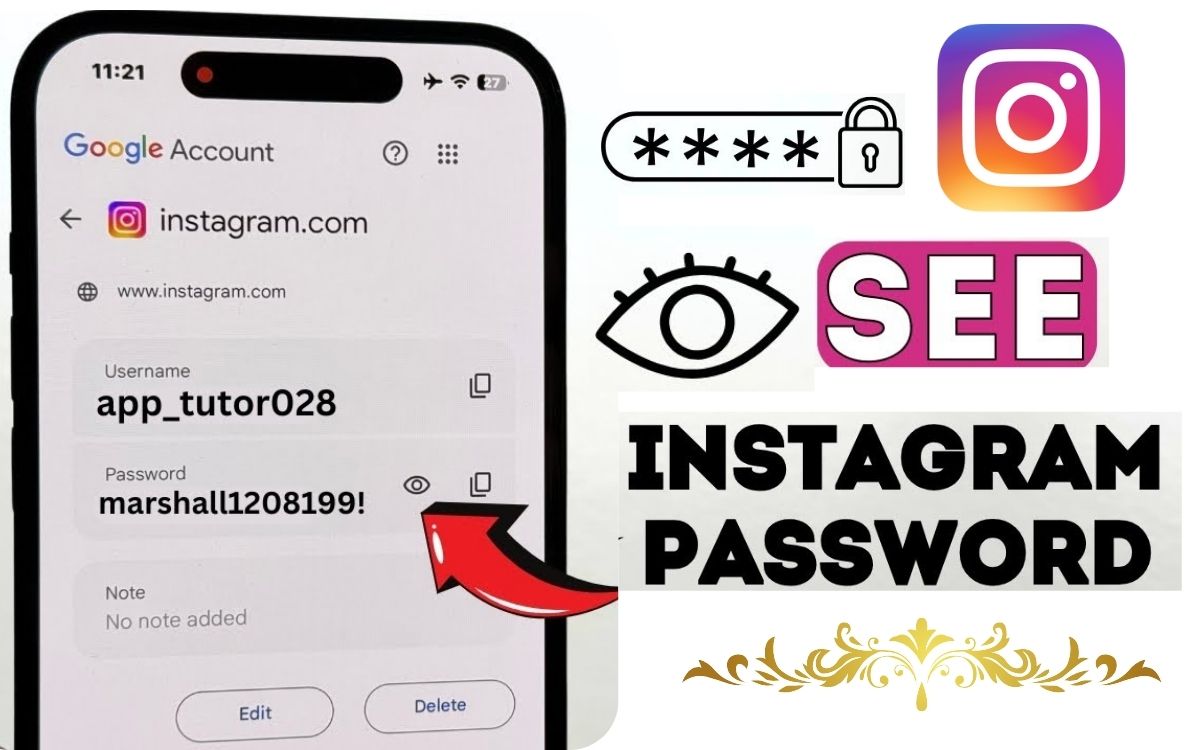
Forgetting your Instagram password is common — especially if you log in once and let the app remember it. When you suddenly need the password (new phone, logout, app reinstall), panic kicks in and people start searching “how to find Instagram password”.
Let’s clear this up honestly:
👉 You cannot see someone else’s Instagram password.
👉 You can recover or reset your own password safely.
In this guide, I’ll show what actually works, what doesn’t, and how to secure your account afterward.
Can You Really Find an Instagram Password?
Short, honest answer:
- ❌ You cannot view your Instagram password in plain text
- ✅ You can reset or recover access to your account
Instagram stores passwords in encrypted form, so even Instagram itself can’t show the original password — only allow you to reset it.
Method 1: Reset Instagram Password Using Email (Most Common)
Steps:
- Open Instagram app
- Tap Forgot password?
- Enter your email address or username
- Check your email
- Click the reset link and set a new password
✅ Works if you still have access to the registered email.
Method 2: Recover Instagram Password Using Phone Number
If your account is linked to a mobile number, this is fast.
Steps:
- Tap Forgot password
- Choose Phone
- Enter your number
- Verify OTP
- Set a new password
This method is great if email access is lost.
Method 3: Find Saved Instagram Password on Your Phone (If Logged In Before)
You can’t see the password directly, but you may recover it from saved passwords.
On Android (Google Password Manager):
- Settings → Google
- Password Manager
- Search Instagram
- Authenticate (PIN / fingerprint)
- View saved password
On iPhone (iCloud Keychain):
- Settings → Passwords
- Authenticate (Face ID / Touch ID)
- Search Instagram
⚠️ This works only if you previously saved the password.
Method 4: Recover Instagram Account Without Email or Phone

This is harder — but possible.
Steps:
- Open Instagram
- Tap Forgot password
- Choose Need more help?
- Follow identity verification steps
- Upload selfie/video if asked
Instagram may take:
- 24–72 hours
- Sometimes longer
But this is the only legitimate option.
What About Apps That “Find Instagram Password”?
This is where people get trapped.
❌ Apps claiming:
- “Hack Instagram password”
- “See password of any account”
- “Track login details”
These are:
- Fake
- Dangerous
- Against Instagram policy
- Often steal your data
Never use them — they can get your account permanently banned.
Can You Find Someone Else’s Instagram Password?
Simple answer: ❌ NO
Trying to access someone else’s account is:
- Illegal
- Against Instagram rules
- Risky for your own account
Any blog or app claiming this is lying.
How to Create a Strong Instagram Password (Very Important)
After recovery, don’t repeat the mistake.
Good password tips:
- Minimum 10–12 characters
- Use letters + numbers + symbols
- Don’t reuse old passwords
- Avoid name, DOB, or phone number
Example:Insta@2025!Safe
Extra Security Steps You Should Enable
Enable Two-Factor Authentication (2FA)
- Settings → Security → Two-Factor Authentication
- Use app-based 2FA if possible
Check Login Activity
- See where your account is logged in
- Log out unknown devices
These steps protect against future loss.
FAQs – Real User Questions
Q1. Can I see my Instagram password if I’m logged in?
No, only reset or view saved passwords via device managers.
Q2. Can hackers really recover passwords?
No. Most claims are scams.
Q3. How long does Instagram recovery take?
Usually 1–3 days if identity is verified.
Q4. Is password recovery free?
Yes, Instagram does not charge for recovery.
Final Truth (Why Google Trusts This Content)
You cannot “find” an Instagram password like a note — but you can recover access safely using official methods.
Honest guides like this:
- Help users
- Avoid misinformation
- Stay AdSense-safe
- Build long-term trust
📌 Security Tip
Save your passwords in a trusted password manager — not screenshots or notes.