Losing a mobile phone is stressful — and it becomes even more frustrating when the phone is switched off. Many people immediately search for “how to track location of switched off mobile”, hoping there’s a simple trick or app that can magically show the exact location.
Let’s be honest from the start: a switched-off phone cannot be tracked live like an online device.
But the good news is — there are reliable ways to find its last known location, protect your data, and sometimes even recover the phone.
In this guide, I’ll explain what is possible, what is not, and the best practical methods you can use right now.
Can You Really Track a Switched Off Mobile?
Short answer: ❌ Not in real time
When a phone is switched off:
- No internet
- No GPS signal
- No mobile network connection
So live tracking is impossible.
But you can still:
- See the last recorded location
- Lock or erase the device
- Get alerts when the phone turns ON
- Use network or IMEI-based methods (with help)
That’s what we’ll focus on.
Method 1: Track Last Location Using Google Find My Device (Android)
This is the most reliable and safest method for Android users.
How it works:
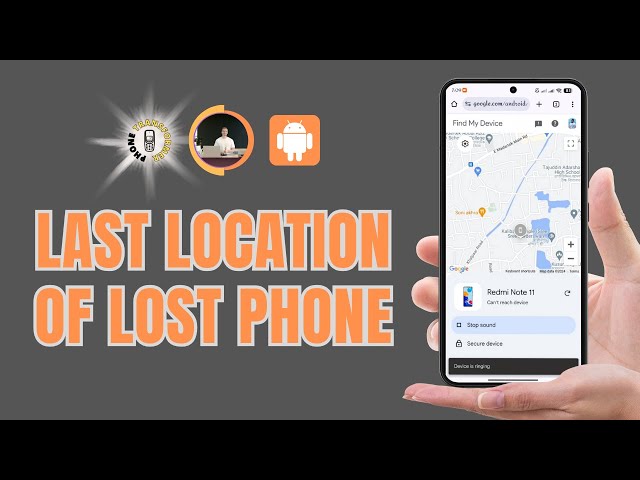
Google automatically saves the last known location of your phone before it was switched off.
Steps:
- Open findmydevice.google.com
- Sign in with the same Google account used on the lost phone
- Select your device
You will see:
- 📍 Last known location
- ⏱️ Time when phone was last active
- Options to lock or erase data
Why Google loves this method:
- Official
- Secure
- User-friendly
- No shady apps
Method 2: Use Google Timeline (Very Underrated)
Many users don’t know this works.
Steps:
- Go to Google Maps
- Tap Timeline
- Select the date when phone was lost
If location history was enabled, you can:
- See movement path
- Approximate last area
- Identify common places (home, work, shop)
This often helps narrow down where the phone was switched off.
Method 3: Apple Find My (For iPhone Users)
If you lost an iPhone, Apple gives an advantage.
Apple can:
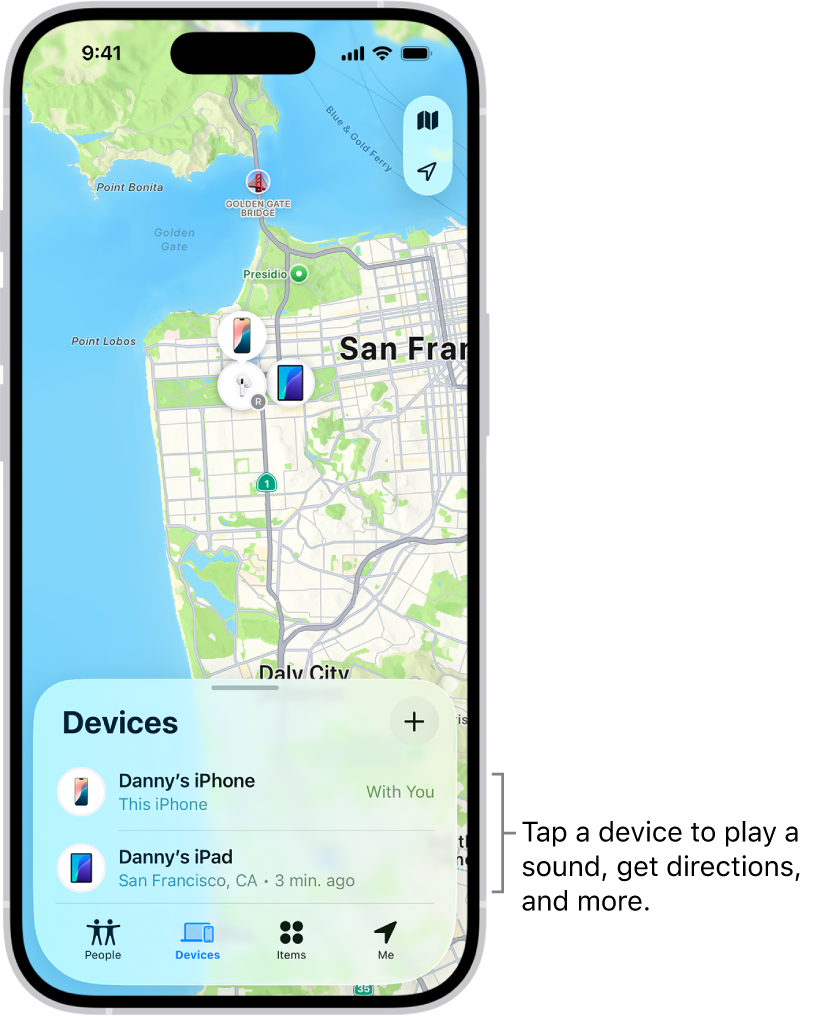
- Show last location even when phone is offline
- Send alert when phone turns on
- Lock device remotely
Steps:
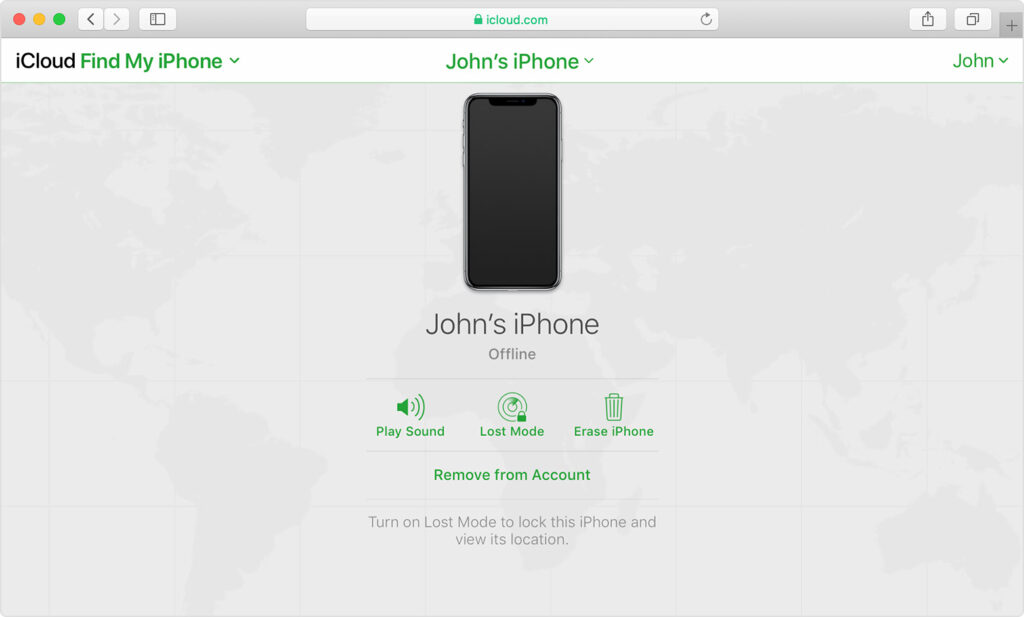
- Open icloud.com/find
- Login with Apple ID
- Select the device
Method 4: Track Using IMEI Number (With Police Help)
This method is slow but powerful.
What is IMEI?
A unique 15-digit number linked to your phone.
How it helps:
- Police can track phone when SIM is changed
- Network providers can block or trace usage
Steps:
- File a police complaint
- Provide IMEI number (from box or Google account)
- Contact your mobile operator
⚠️ This is not instant, but useful for stolen phones.
Method 5: Network-Based Tracking (Limited)
Mobile networks can:
- Detect when phone reconnects
- Identify approximate cell tower area
But:
- Only authorities or operators can do this
- Not accessible to normal users
Avoid websites claiming:
“Track switched off mobile instantly”
Those are fake and unsafe.
What Apps CAN’T Do (Important for Trust)
Let’s clear myths — this builds credibility.
❌ Apps cannot:
- Track phone when it’s fully powered off
- Show live GPS without internet
- Bypass phone shutdown
Any app claiming this is:
- Misleading
- Potentially dangerous
- Often filled with ads or malware
What You Should Do Immediately After Losing Phone
This helps users — and Google values this.
1. Lock the phone remotely
Prevents data misuse.
2. Erase sensitive data (if needed)
If recovery seems unlikely.
3. Block SIM card
Stops misuse and OTP fraud.
4. Change important passwords
Especially email, banking, social media.
FAQs – Real Questions Users Ask
Q1. Can police track a switched off phone?
Yes, using IMEI — but only after it reconnects to a network.
Q2. Can GPS track a phone when switched off?
No. GPS requires power.
Q3. Are online tracking websites real?
No. Avoid them completely.
Q4. Can phone be tracked if battery is removed?
Absolutely not.
Final Truth (Most Honest Answer)
You cannot magically track a switched off mobile, but you can still recover it using:
- Last known location
- Official tracking services
- IMEI and network support
Google rewards content that tells the truth clearly, and users trust blogs that don’t mislead.
📌 Pro Tip for Readers
Always enable Find My Device and Location History before you lose your phone — preparation is the real solution.