Most people download a wallpaper app, use it once, and forget it.
But Mico – 4K Live Wallpaper Maker & Smart Lock Screen Widgets is different.
It isn’t just another wallpaper gallery.
It lets you create your own 4K live wallpapers, customize your lock screen, and add smart widgets — all from one simple app.
If you want your phone to look unique without slowing it down, this guide will show you:
- What Mico actually does
- Best features (with real use cases)
- How to create your own live wallpaper
- Battery & performance tips
- Whether it’s safe to use
Let’s get into it.
What is Mico?
Mico is a personalization app designed to:
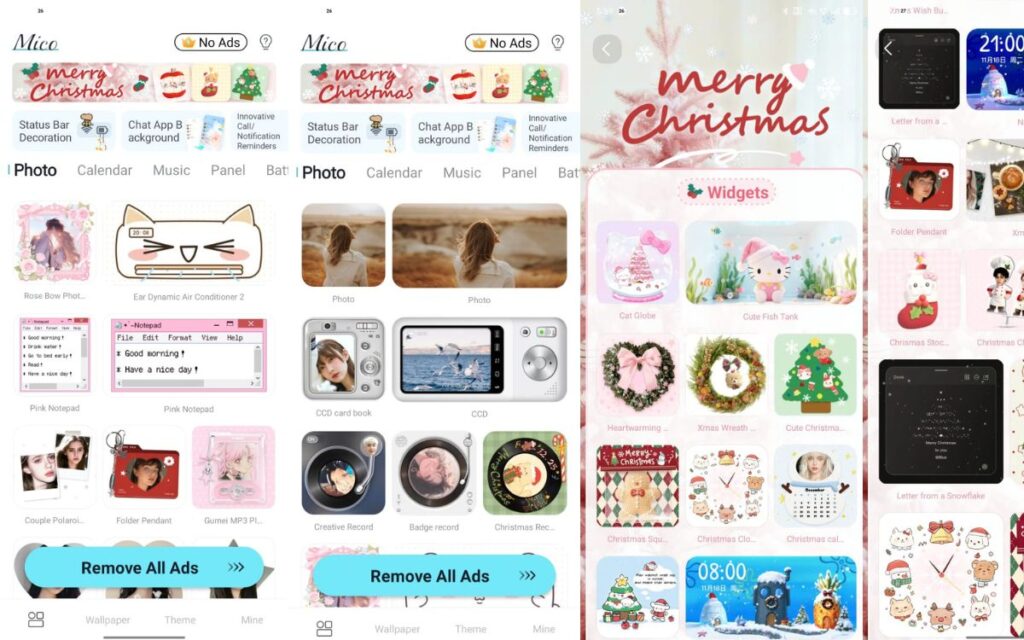
- Turn normal images or videos into 4K live wallpapers
- Customize your lock screen
- Add smart widgets for quick info (time, weather, battery, reminders)
- Refresh your home screen with modern designs
Think of it as:
“Wallpaper editor + widget builder + lock-screen designer — in one place.”
It’s especially useful if you want your phone to look different from every template theme out there.
Key Features of Mico (Why People Like It)
1️⃣ Create Your Own 4K Live Wallpapers
Instead of downloading wallpapers someone else made, Mico allows you to:
- Upload photos or short videos
- Add animation effects
- Adjust blur, depth, and motion
- Export in high-resolution 4K
You get full control, which is rare in wallpaper apps.
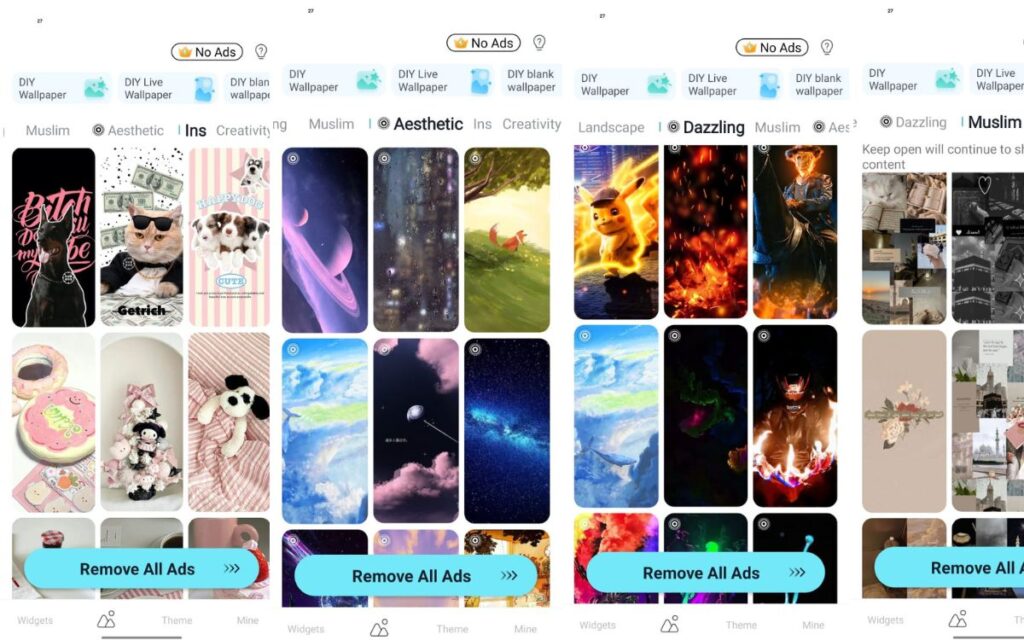
2️⃣ Built-In 4K Wallpaper Library
If you don’t want to design from scratch, Mico also includes:
- Nature & landscapes
- Neon & abstract designs
- Minimal dark wallpapers
- Gaming & futuristic themes
- Aesthetic and gradient styles
Everything is organized and easy to browse.
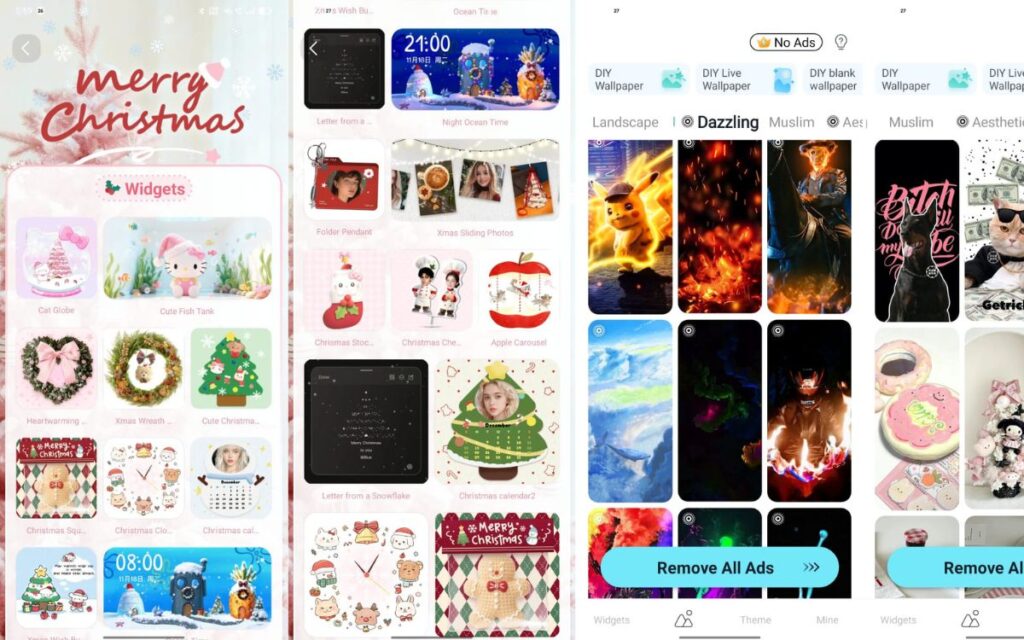
3️⃣ Smart Lock Screen Widgets
Widgets are where Mico becomes really practical.
You can place widgets like:
- Clock styles
- Weather forecast
- Calendar reminders
- Battery percentage
- Quotes and notes
- Fitness or daily steps (depending on phone support)
Instead of unlocking your phone for everything, you see useful info at a glance.
4️⃣ Custom Themes & Layouts
You can mix and match:
- Wallpapers
- Widgets
- Icon styles (if supported)
- Clock fonts
- Placement and size
So every lock screen looks personally designed, not generic.
5️⃣ Lightweight & Friendly for Beginners
Many customization apps feel complicated.
Mico focuses on:
- Simple menus
- Preview before applying
- Quick save/export options
Even if it’s your first time editing wallpapers, you’ll figure it out easily.
How to Use Mico (Step-By-Step)
⭐ Create Your First Live Wallpaper
- Open Mico
- Tap Create Wallpaper
- Choose an image or short video
- Add effects (motion, depth, glow, blur)
- Adjust resolution (choose 4K if supported)
- Save and apply
That’s it.
⭐ Add Widgets to Lock Screen
- Open Widgets section
- Pick a widget (clock, weather, notes, etc.)
- Customize color and style
- Drag to position
- Save layout
Your lock screen now looks cleaner — and more useful.
Does Mico Drain Battery?
Good question — live wallpapers can use battery if overused.
However:
- Static wallpapers use almost no extra battery
- Light animation wallpapers consume very little
- Heavy video wallpapers may use more
My recommendation:
👉 Use live wallpaper on home screen only,
and keep lock screen simple with widgets.
You get style without sacrificing battery life.
Is Mico Safe and AdSense-Friendly?
From a content perspective, personalization apps are:
✔ Safe
✔ Non-controversial
✔ Advertiser-friendly
Just make sure users understand:
- No illegal wallpapers
- Avoid copyright misuse
- Download only from trusted stores
Honesty builds trust — with users and Google.
Who Should Use Mico?
Use it if you are:
- Someone who loves unique phone aesthetics
- Content creators wanting branded screens
- Minimalist users wanting clean layouts
- Gamers who like animated themes
- Anyone bored of default wallpapers
Avoid it if:
- You want ultra-minimal, no-animation setups
- Your phone is extremely old (animations may lag)
Final Thoughts
Mico – 4K Live Wallpaper Maker & Smart Lock Screen Widgets is perfect if you want your phone to feel personal — not factory-designed.
It combines:
✨ Custom wallpapers
✨ Live animation
✨ Smart lock-screen widgets
— without forcing complicated settings.
Start with one wallpaper, try one widget, and build your style step by step.
That’s how personalization feels fun — not confusing.